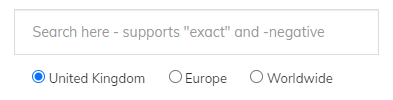
The search bar does more than a basic keyword match. Here's how to get precise results.
Partial matching
By default, all words in your query must appear somewhere in the product name. Searching 50mm will match 50mm f/1.4, 50mm f/1.8, and so on.
Exact phrase
Wrap a phrase in quotes to match it exactly: "Canon 5D Mark III" will not return Mark II or Mark IV results.
Negative terms
A minus sign before a word excludes it: Sigma 50mm -Art returns Sigma 50mm lenses that aren't the Art series.
Combining techniques
You can mix both: "Nikon Z" -Z9 returns all Nikon Z cameras except the Z9.
Retailer naming inconsistencies
Different retailers describe the same product differently. If you're not finding what you expect, try a shorter or more generic search term, then use the filters to narrow down. The search handles some common variations automatically (f/1.4 vs f1.4, for example).
Filters
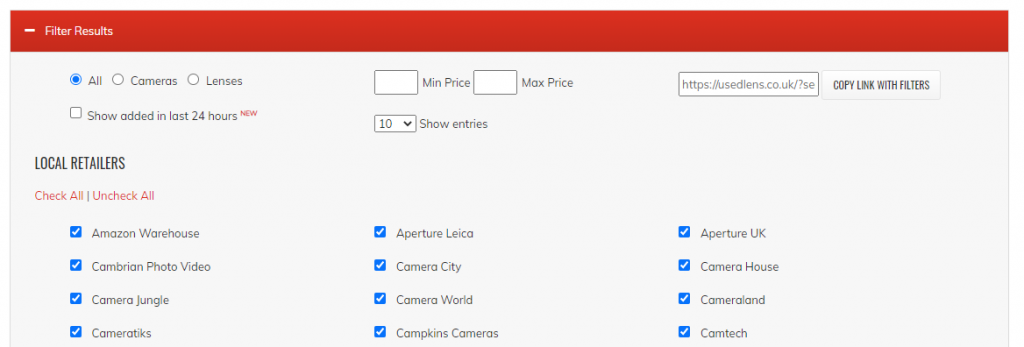
Use the sidebar filters to narrow by price range, retailer, or whether an item is newly listed. These stack on top of your search query.